
Extract text from any image
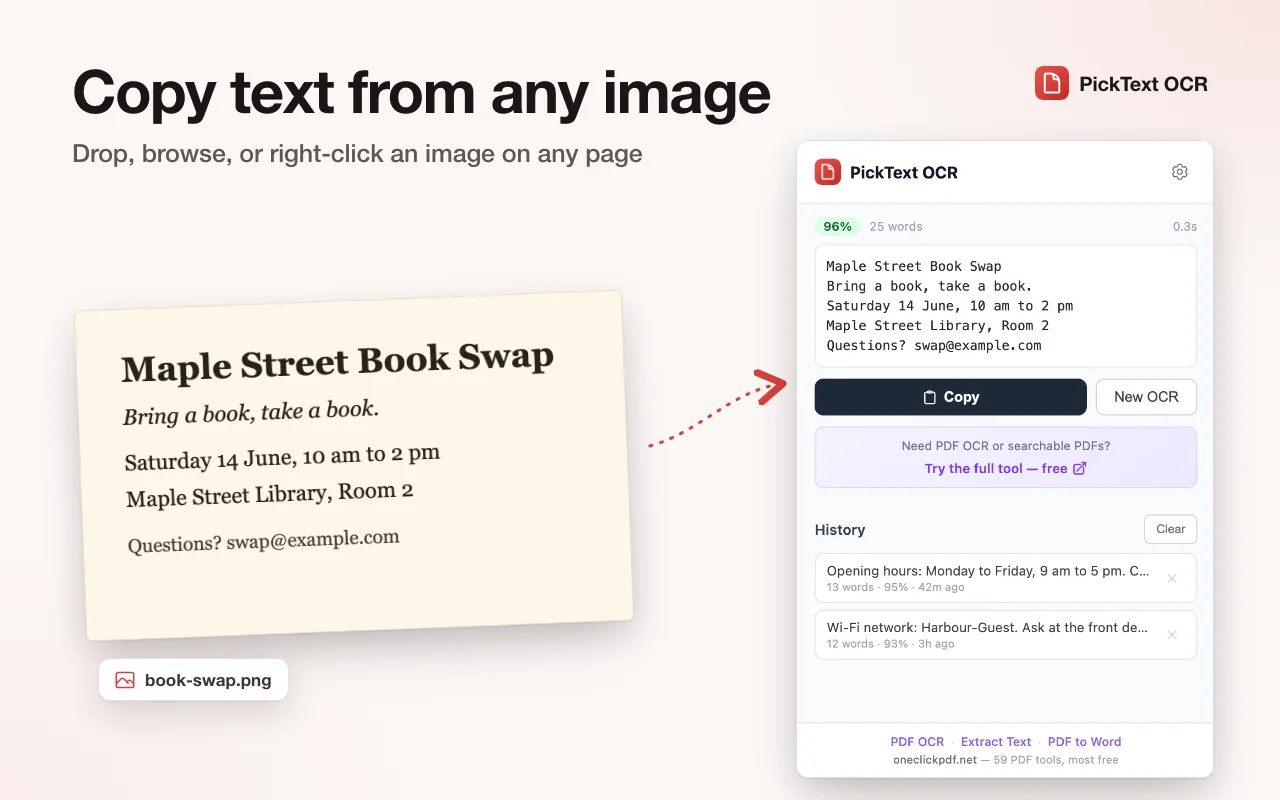
Upload, screenshot, right-click, or select a region. 16 languages. English works offline.
 Free Chrome extension
- Free, no account
- English works offline
- Collects no usage data
Made for Chrome on a computerSend yourself the link, then open it in Chrome on your computer to add it.
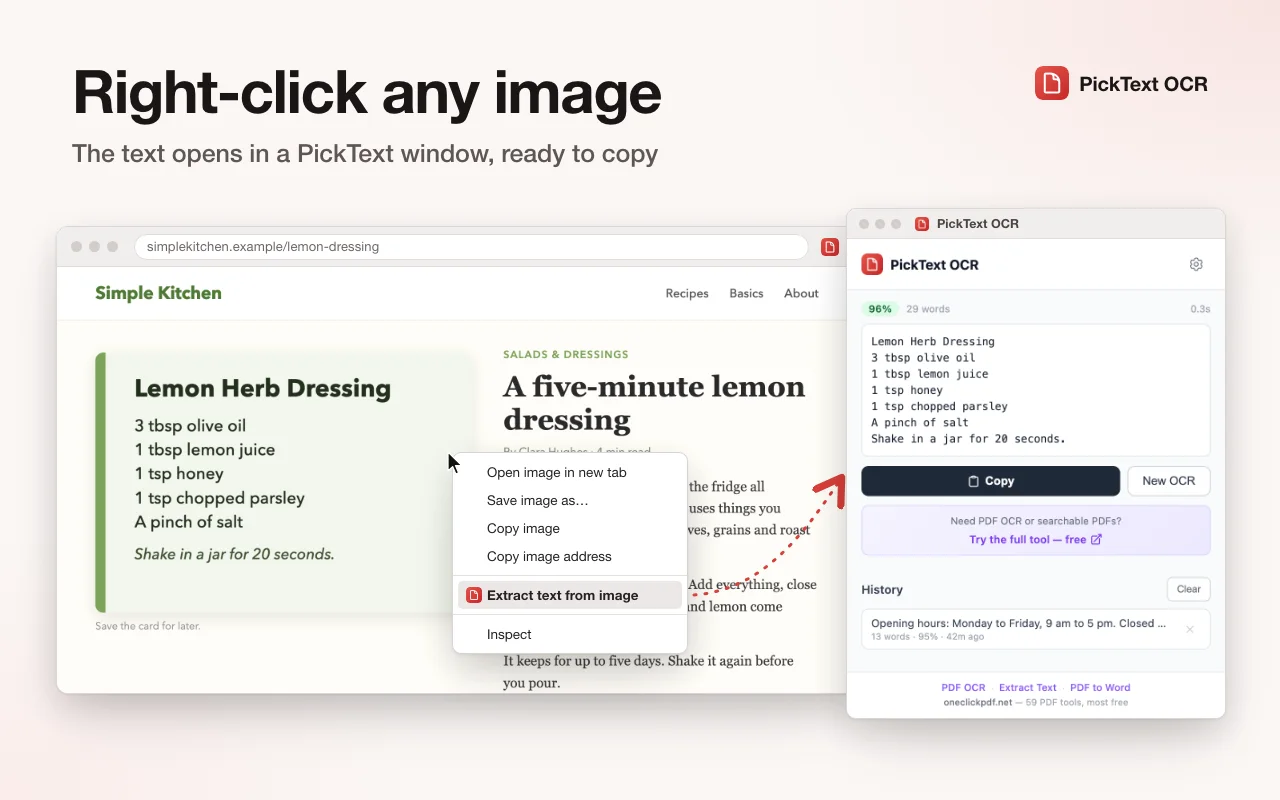
Right-click
Right-click any image
One click to extract text from any image on any webpage. No uploading needed.
Select
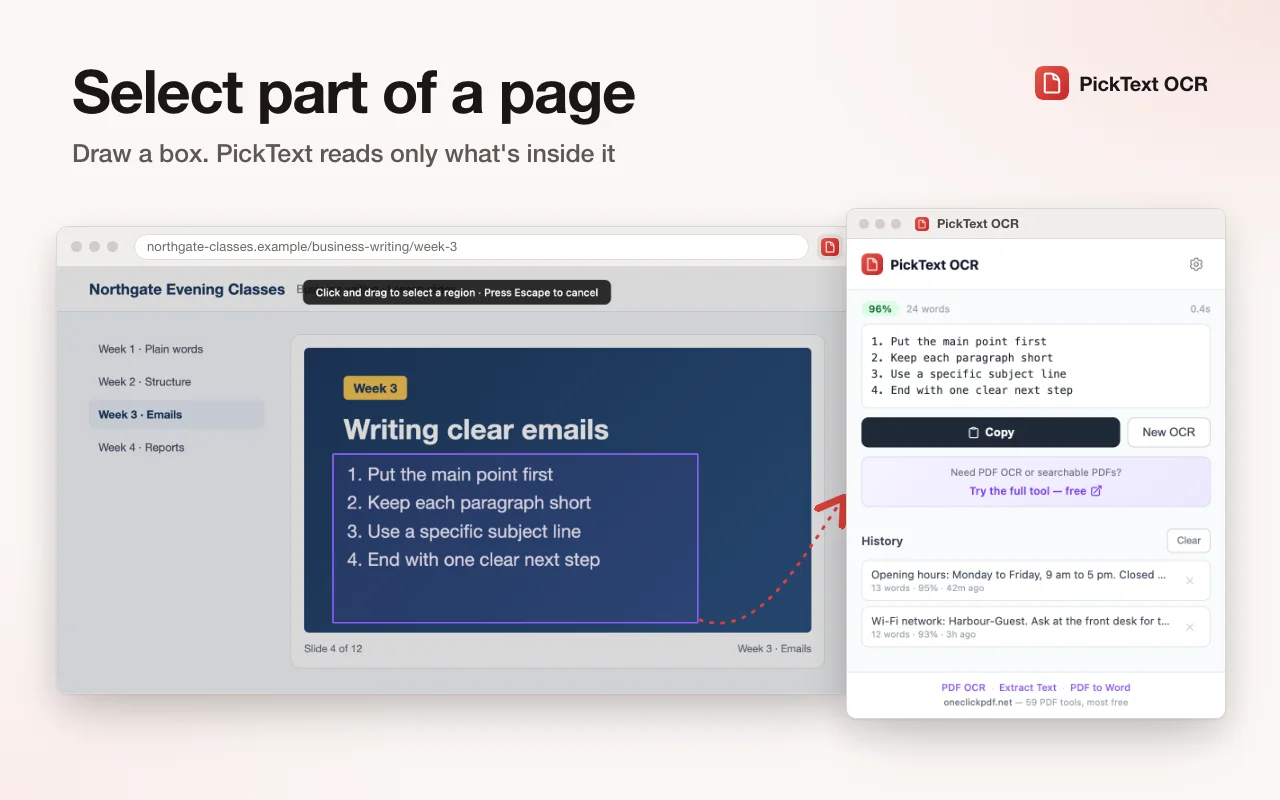
Select any region
Draw a rectangle around any text on the page. Only that area gets OCR'd.
16 languages
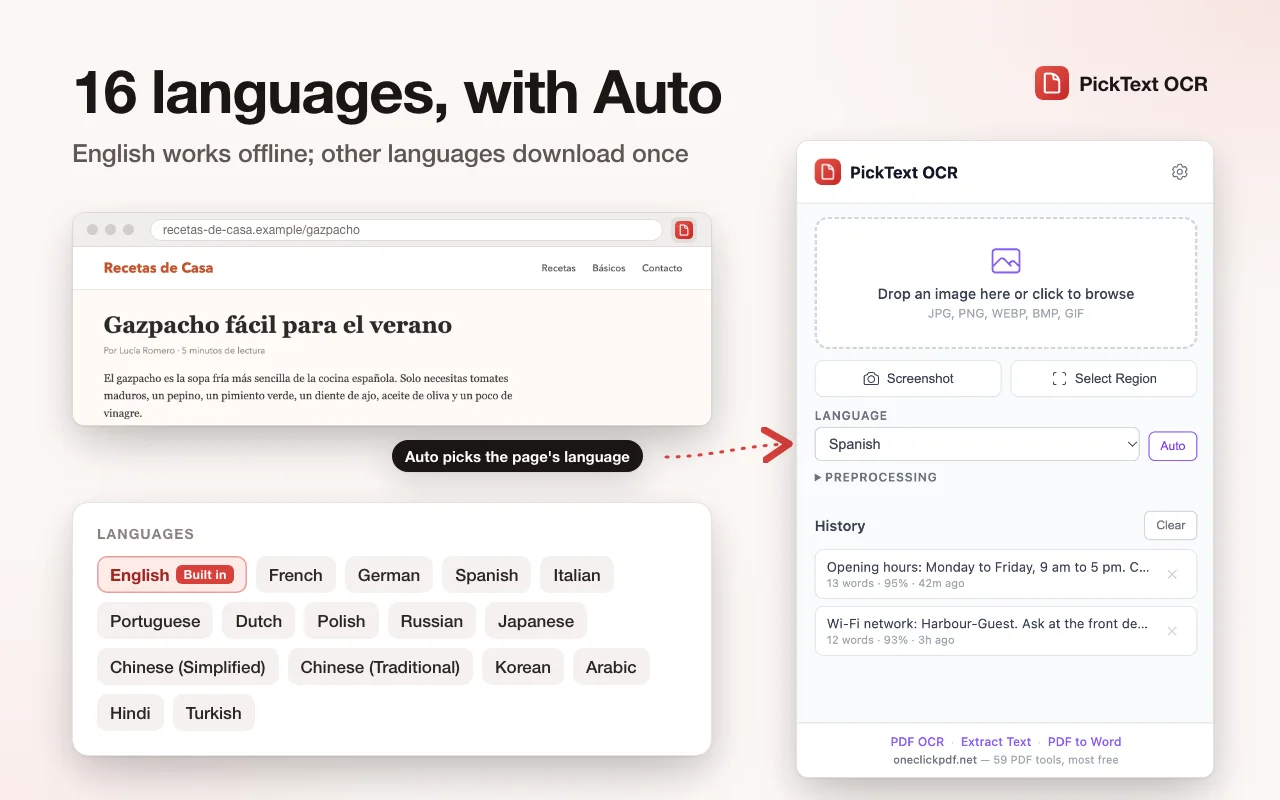
OCR in any language
English is bundled and works offline. Other language packs download on first use from jsDelivr and are kept for next time. Auto picks the language from the text of the page you're on.
Tables
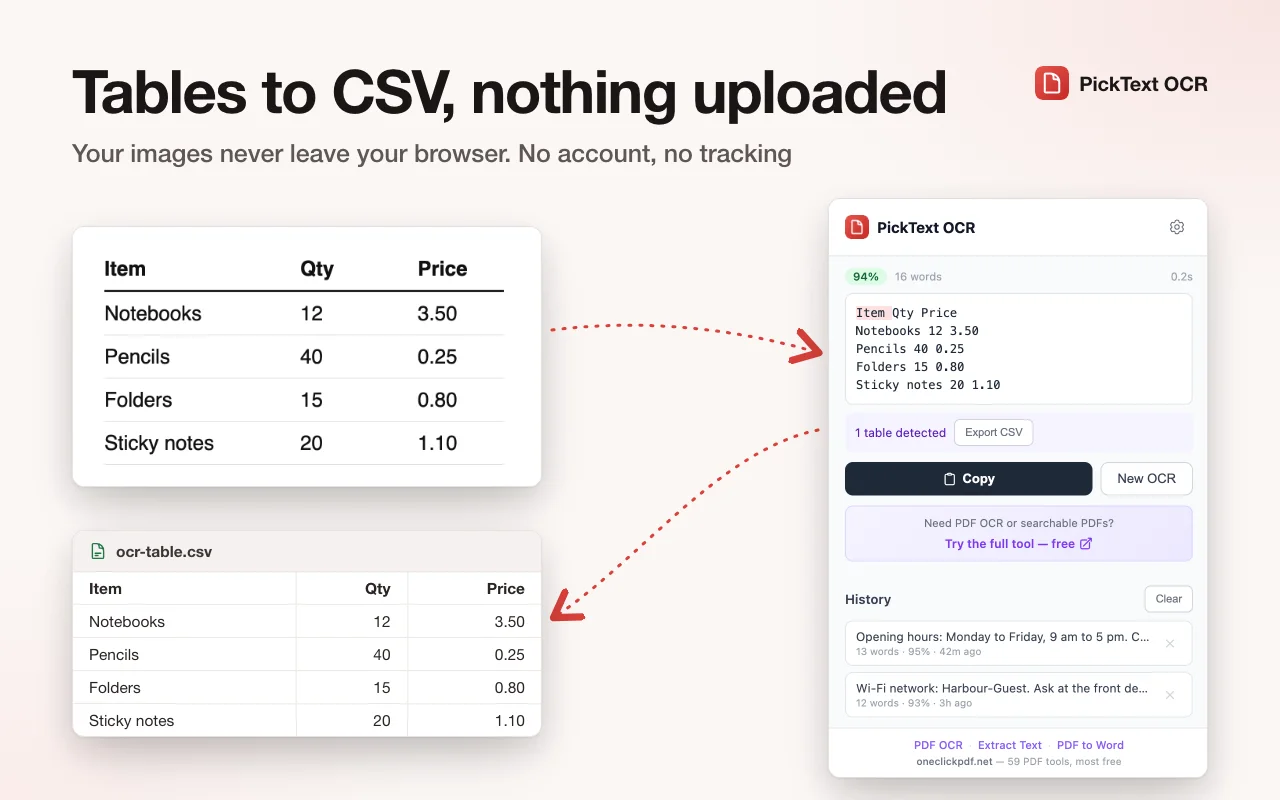
Reads tables too
Tables in an image come out as rows and columns you can export as CSV. Low-confidence words are highlighted in yellow or red so you know exactly what to double-check.
Full-featured OCR that runs on your device
Copyfish, one of the best-known OCR extensions, sends your image to OCR.space's online service to read it. PickText reads it inside the extension with Tesseract.js, so the image isn't sent anywhere.
| Feature | Copyfish | PickText OCR |
|---|---|---|
| Where the text is read | OCR.space online service (local with a desktop helper) | Inside the extension, on your device |
| Price | Free, open source (GPL) | Free |
| Browsers | Chrome, Edge, Firefox | Chrome |
| Languages | Over 25, across two engines | 16 |
| Works offline | With the local OCR helper | English; others after first download |
| Translate the text | Yes | No |
| Table detection + CSV | Not listed | Yes |
Copyfish's column is from its own pages, checked October 2026. Full PickText OCR vs Copyfish comparison
Privacy by design
- All OCR processing runs locally using Tesseract.js WebAssembly. No images or text are sent to any server.
- English is bundled with the extension. Other language packs are downloaded on demand from jsDelivr CDN and cached locally.
- It doesn't ask for access to every website: it acts on the open tab only when you use it. With the language set to Auto, it reads that tab's text on your device to pick the language; the text isn't sent anywhere.
- History and settings are stored in
chrome.storage.localon your device only. - No analytics. No tracking.
Permissions explained
activeTabAct on the open tab only when you use PickText: capture it for screenshot OCR.contextMenusAdd right-click menu items for quick OCR.storageSave your settings and OCR history locally.offscreenRun Tesseract.js WASM in a hidden document (Chrome requirement for Canvas/WASM).clipboardWriteCopy extracted text to your clipboard.scriptingInject the region selection overlay when you choose “OCR selected region,” and read the open tab’s text when the language is set to Auto.cdn.jsdelivr.netIts only website access: download a non-English language pack the first time you use it.
Ready to extract text from any image?
Free, English works offline, no account needed.