
Blog
PDF Tools Blog
How-to guides, technical deep-dives, and industry context for PDF workflows — signing, editing, conversion, security, and AI-driven document tools.
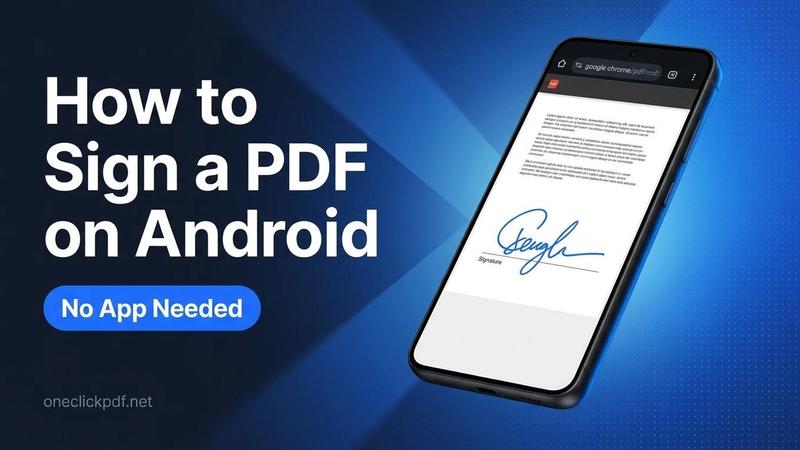
How to Sign a PDF in Google Drive Free (3 Methods)
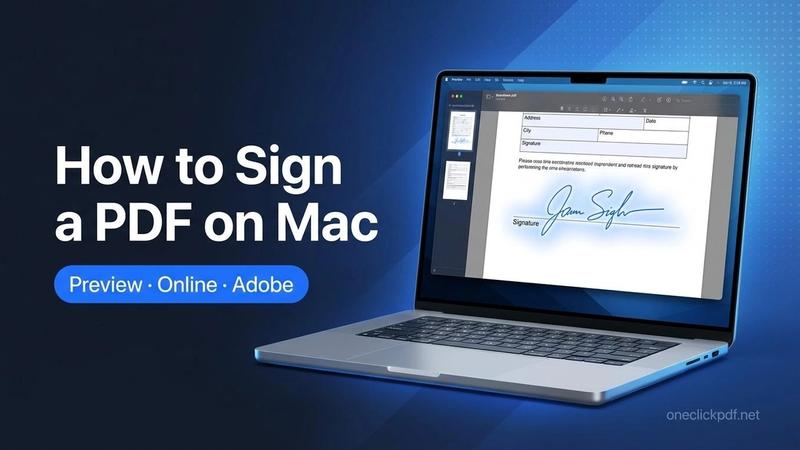
Learn how to sign a PDF in Google Drive using Google eSignature, a Drive add-on, or a free browser tool. Works with free Gmail accounts. No sign-up needed.
Aqeel Waris
 PDF Editor
How to Tell if an Online PDF Tool Uploads Your File: A 1-Minute Test
Privacy pages make promises; your browser shows what actually happens. Two checks, about a minute each, tell you whether a PDF tool sends your file to a server: the Network tab on a computer, and a practice run followed by an offline run on any device, phones included.
Emily Clarke
 PDF Conversion
How to Translate a Scanned PDF: Run OCR First, Then Translate
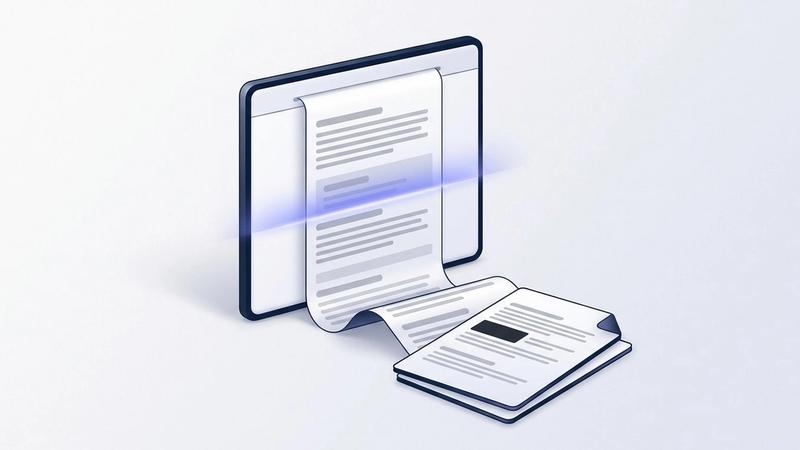
If a PDF translator says it found no text, your PDF is a scan: a picture of a page. Here is the two-step fix: free OCR in your browser to make the words readable, then translation into 40+ languages, with the first page free.
Emily Clarke
 PDF Conversion
Why Can't I Copy Text From a PDF? Scans, Locks and Broken Fonts
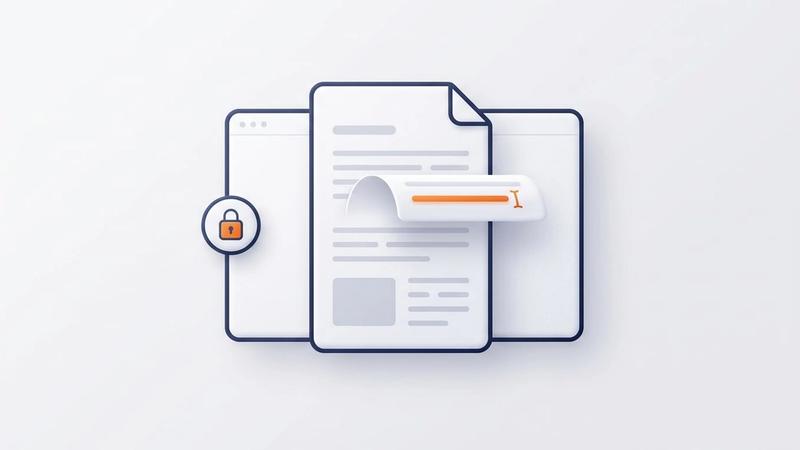
Nothing highlights, Copy is greyed out, or the text pastes as symbols: each points to a different cause. Here is a 30-second test to tell them apart, the fix for each, and the one thing not to do with a PDF that blocks copying.
Emily Clarke
 PDF Editor
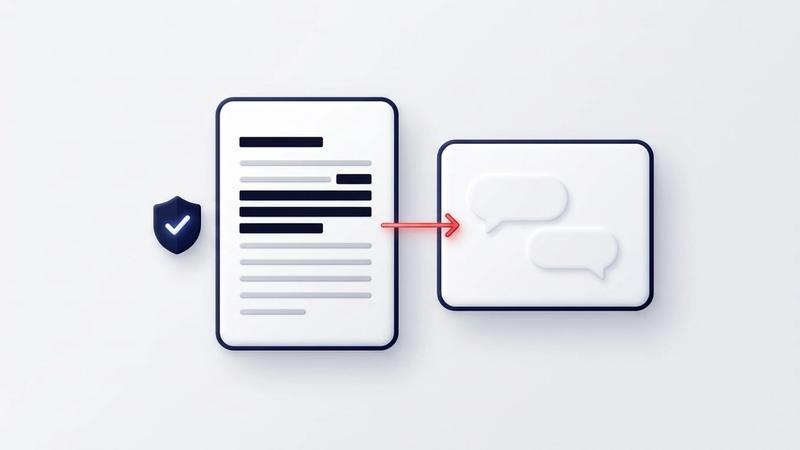
Is It Safe to Upload a PDF to ChatGPT? What It Keeps, What to Hide
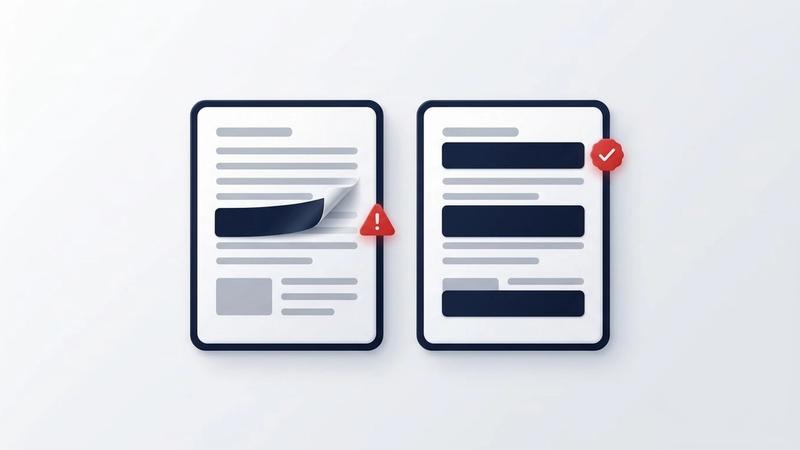
Before you ask ChatGPT about a payslip, contract or offer letter, check what OpenAI says it keeps and black out what the assistant doesn't need. Step by step, in your browser, with what the AI can still read afterwards.
Emily Clarke
 PDF Conversion
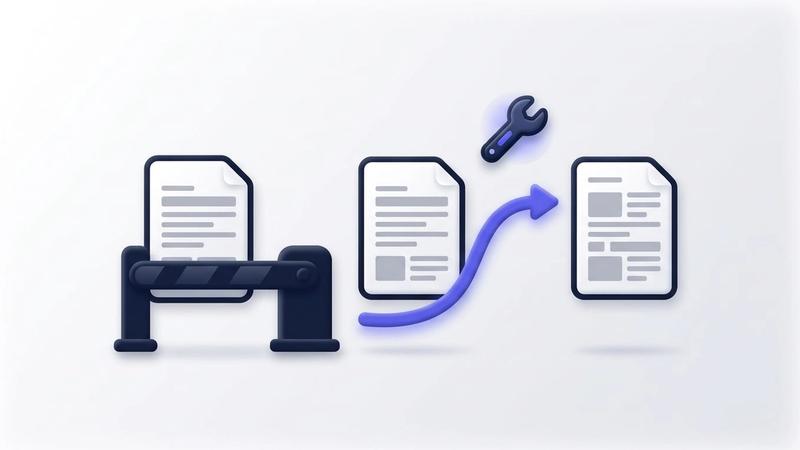
Google Translate PDF Not Working? 5 Causes and How to Fix Each
When Google Translate won't take your PDF, or hands it back untranslated, one of five limits on Google's own help page is almost always the reason. Here is how to tell which one, how to fix it, and another way to translate the PDF that doesn't upload the file.
Emily Clarke
 PDF Editor
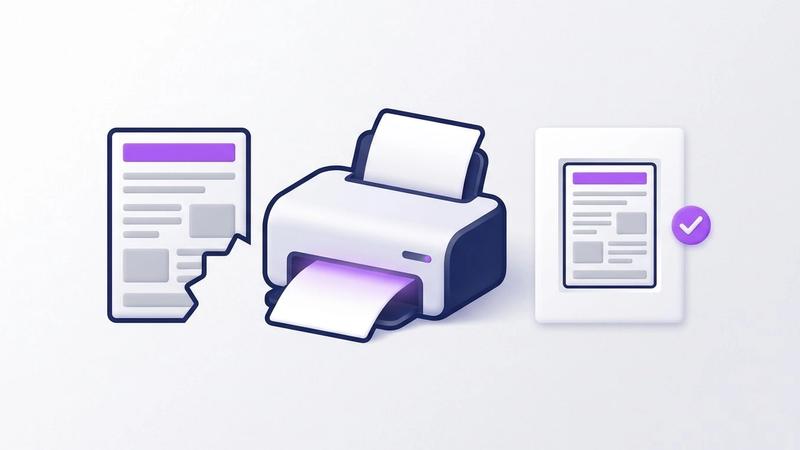
PDF Prints Cut Off or Too Small? How to Fix the Page Size
A PDF that prints with its edges missing, or shrunk into the middle of the sheet, almost always comes down to the page size, the paper and the scale setting disagreeing. Here is how to tell which one, fix it in the print dialog, and fix the file so it prints right for everyone.
Emily Clarke
Know what you need?
All 59 tools are on the homepage, grouped by task.